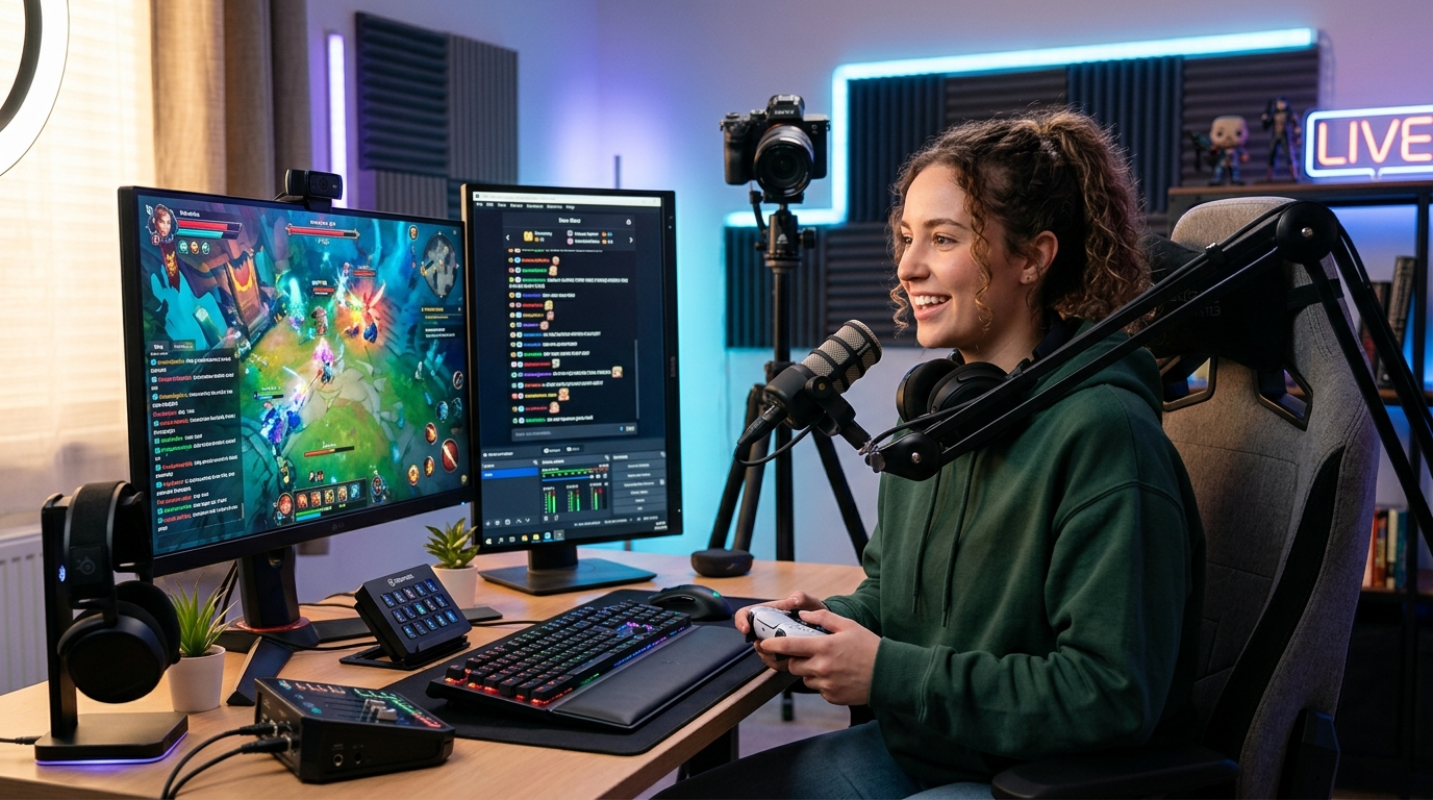
Have you ever sat back, watched your favorite creator entertain thousands of people, and thought, "I could do that"? Well, you can. And honestly, there has never been a better time to start. The streaming world in 2026 is highly advanced, but it is also more accessible than ever before. But before you press that "Go Live" button, you have a major decision to make. Where are you going to set up camp?
Twitch remains the undisputed giant of live-first gaming culture, commanding roughly 67% of the gaming hours watched market share.¹ YouTube Gaming, on the other hand, holds about 24% of the gaming livestreaming market, but it sits inside a massive search engine ecosystem that captures over half of all global livestream watch hours.¹
So how do you choose? If you want to build a tight-knit, highly interactive community from day one, Twitch is your home. If you want your streams to be discovered days, weeks, or months after you go offline, YouTube is the place. Whichever you choose, success boils down to two things: consistency and authenticity. People do not tune in just for the gameplay. They tune in for you.
The Needed Hardware and Software Setup
You do not need a NASA-grade supercomputer to start streaming, but you do need hardware that can handle gaming and encoding at the same time. Let's look at the baseline specs you need to keep things running smoothly.
For your PC, aim for a processor with 12 to 16 cores, like an Intel Core i7-14700K or AMD Ryzen 9 7900X.² Your graphics card is even more important. An NVIDIA RTX 40-series card, like the RTX 4070 Super, features a dedicated AV1 hardware encoder.² This encoder compresses your video beautifully without eating up your gaming performance. Add 32GB of DDR5 RAM and make sure your internet has an upload speed of at least 10 to 15 Mbps.²
Next, you need to choose your broadcasting software:
• OBS Studio: The industry standard. It is completely free, open-source, and incredibly lightweight. It gives you total control over your setup, though it has a slightly steeper learning curve.
• Streamlabs: A more beginner-friendly option. It integrates alerts and chat widgets right out of the box, but it uses more of your computer's resources than standard OBS.
Do not forget your audio and lighting. A cheap 1080p webcam works fine if you have decent lighting. Grab a basic ring light or sit facing a window. For audio, buy a dedicated USB microphone. Viewers will tolerate mediocre video, but they will click away instantly if your audio sounds like you are underwater.
How to Start Streaming Games: A Step-by-Step Technical Guide
Now let's get down to the technical details. Setting up your encoder properly make sures your stream does not look like a pixelated mess.
If you are streaming on Twitch, the traditional route is using the H.264 codec at 1080p and 60fps with a 6,000 Kbps bitrate. But Twitch now supports Improved Broadcasting. This feature allows client-side multi-encoding, meaning your PC encodes multiple resolutions at once and sends them directly to Twitch. This means your viewers can watch in lower resolutions if their internet is slow, a feature previously reserved only for top-tier partners.
If you choose YouTube, use the "1440p upscaling hack." Even if you play in 1080p, set your output resolution in OBS to 1440p (2560x1440). This forces YouTube to use its superior codecs, resulting in a much sharper image for your viewers.
Here is your quick step-by-step checklist to get live:
1. Open your streaming software and run the auto-configuration wizard.
2. Link your Twitch or YouTube account directly inside the software settings.
3. Set your video output resolution and match your bitrate to your upload speed.
4. Add your game capture source and your microphone source.
5. Run a test stream. Both platforms allow you to stream privately or to a test key. Use this to check your audio levels and make sure your game is not lagging before you go live to the public.
YouTube Gaming Channel Setup Guide and Twitch Optimization
Once the technical parts are locked in, you need to make your channel look like a place where people actually want to hang out. Think of it as decorating your digital living room.
Start by optimizing your dashboard and metadata. On YouTube, your stream title and thumbnail are everything. Do not just name your stream "Playing Game Part 1." Create a custom thumbnail and write a compelling, clickable title. On Twitch, use tags and fill out your "About Me" panels with clear information about who you are and when you stream.
To win on YouTube, you need to understand the platform's multi-format approach. Successful creators use what is known as the "Holy Trinity" model. This means combining three formats on a single channel: Shorts for rapid reach, edited videos for long-term search value, and live streams for deep community building. The algorithm connects these formats, meaning your active stream can actually be pushed directly into users' Shorts feeds.
On the Twitch side, you have to bypass the oversaturated directories. If you stream massive games like Fortnite or Valorant starting out, you will be buried under thousands of channels. Instead, use tools like SullyGnome to find games with a high viewer-to-channel ratio. Look for games with a few hundred total viewers but only a handful of active channels. This is your sweet spot for organic discovery.
You will also want to set up clean overlays and alerts. Keep it simple starting out. A massive, flashy overlay that covers half the screen is distracting. A subtle webcam border and a clean chat box are all you need.
Needed Beginner Twitch Streaming Tips for Growth
So, you pressed the go-live button, and there are exactly zero people in your chat. What do you do?
First, turn off the viewer count. Seriously, hide it. Watching that number stay at zero will kill your energy. Instead, practice the art of constant narration. Speak your thoughts out loud. Explain your approach in the game, talk about your day, or share your thoughts on a movie you just saw. If someone clicks on your stream and hears dead silence, they will leave within five seconds. Give them a reason to stay.
Engagement is not just about talking. It is about creating an interactive playground. Use platform features to make your viewers feel like they are part of the show. On Twitch, you can set up custom Channel Points rewards, interactive soundboards, or overlay extensions that let viewers affect your game. On YouTube, use the Community Tab to run polls, share behind-the-scenes photos, and update your schedule when you are offline.
When you are live, treat every viewer like a VIP. But remember, do not call out "lurkers" (people who watch without typing in chat). Many people just want to put your stream on in the background while they study or play their own games. Let them enjoy the stream in peace.
Because Twitch is tough for organic discovery, you must build an off-platform funnel. Do not just stream for six hours and hope for the best. Stream for three hours, and spend the other three hours editing your best moments into short-form videos for TikTok, YouTube Shorts, and Instagram Reels. Use those platforms to drive traffic back to your live channel.⁵
Here are some of the best tools and gear to get your streaming journey started on the right foot.
Consistency is Your Greatest Asset
Building a streaming channel is a marathon, not a sprint. It takes time to find your voice, build an audience, and hit those monetization milestones.
Speaking of milestones, Twitch has made it much easier for beginners to start earning. You only need 25 followers, 4 hours of stream time, and an average of 3 concurrent viewers to join the Affiliate program.³ YouTube has a higher barrier to entry for its partner program, but it offers a much better 70/30 revenue split compared to Twitch's standard 50/50 split.⁴
In your first six months, focus entirely on managing your expectations and avoiding burnout. Do not try to stream seven days a week. Set a realistic schedule of two or three days, and stick to it.
The most important step is simply starting. Do not wait for the perfect microphone or the ultimate graphics card. Grab what you have, set up your software, and hit that broadcast button today.
Sources:
1. getrektlabs.com
https://getrektlabs.com/blogs/news/2025-watch-time-breakdown-for-twitch-youtube-tiktok-kick
2. sybergaming.com
https://www.sybergaming.com/post/streaming-pc-specs-2025
3. reddit.com
https://www.reddit.com/r/Twitch/comments/1l2myfw/twitch_affiliate_offer_but_im_under_the/
4. woodpunchsgraphics.com
https://woodpunchsgraphics.com/blogs/tutorials/twitch-vs-youtube-streaming-the-ultimate-showdown-2025
5. marketingagent.blog
https://marketingagent.blog/2026/01/11/the-complete-twitch-marketing-approach-for-2026-from-gaming-platform-to-creator-economy-powerhouse/